01
Design around the checkout moment
Map the steps your staff performs most often, from finding an item to accepting payment and handling receipts, tips, or discounts where available.
A good liquor-store POS should make checkout clearer, organize the bottle catalog, give owners useful visibility, and fit the details of the store—not create another project to manage.
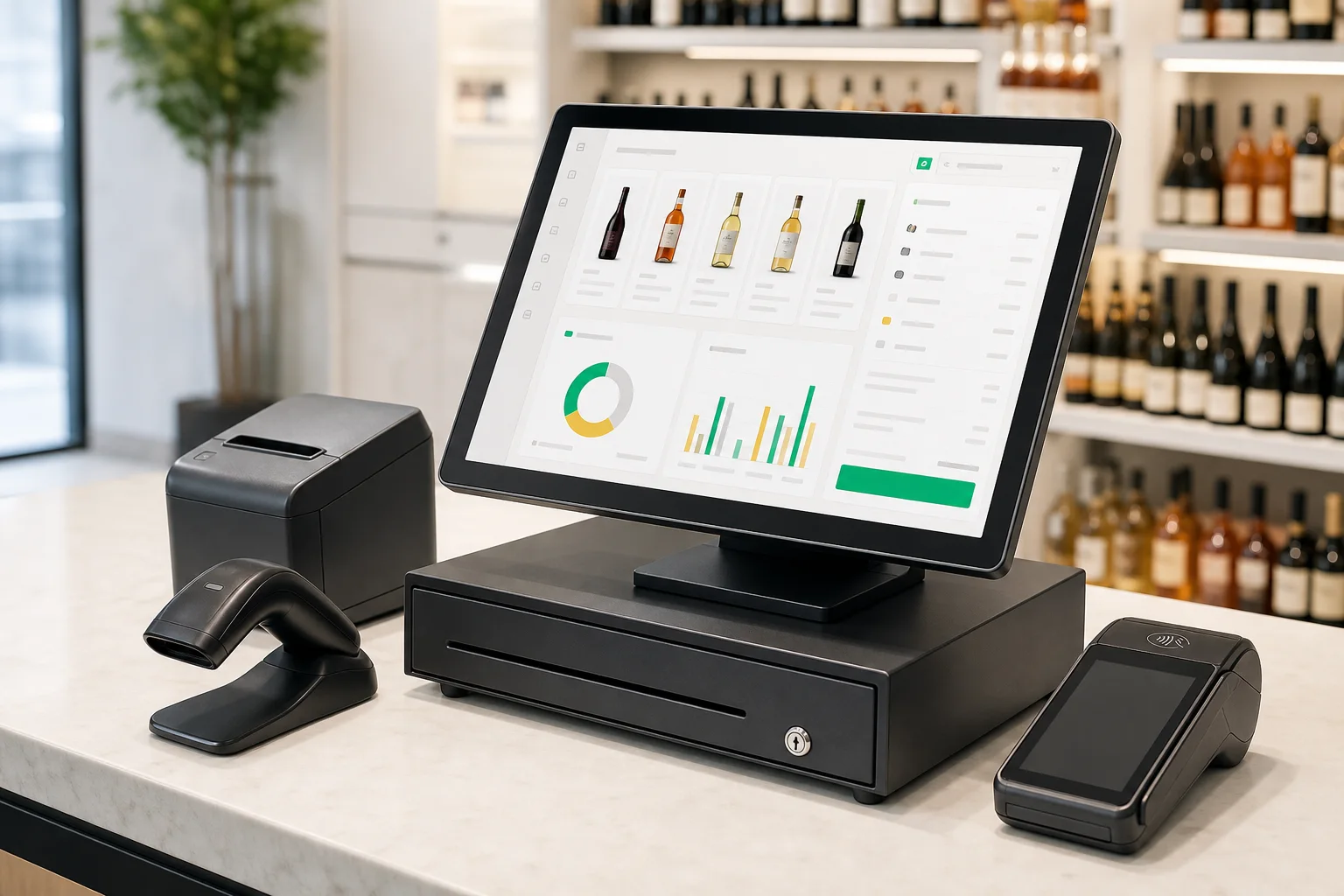 Built for liquor retail
Map the steps your staff performs most often, from finding an item to accepting payment and handling receipts, tips, or discounts where available.
Compare reporting, catalog, employee, inventory, and location-management features based on what the selected platform supports.
A transition plan can cover hardware placement, data setup, staff orientation, connectivity checks, and a realistic go-live sequence.
Product capabilities and terms vary. Confirm every required feature and commercial detail in writing.
No. The most suitable option depends on your industry, workflow, number of stations, item or menu complexity, integrations, and reporting needs.
Possibly. Compatibility depends on the POS, payment provider, device, and existing agreement. A specialist can review your current setup first.
Bring your current workflow. We’ll start there.
Book a demo