POS for independent liquor stores
Run every bottle, order, and checkout from one clearer system.
PayLess brings picture-first selling, inventory, ordering, receiving, reporting, and payments into a modern liquor-store workflow.
Interactive concept UI with real liquor product imagery
Payless PaymentsStore Console
Downtown storeRegister 01 / Sample workspace
Register 01
New sale
Purchasing
Orders & replenishment
Review inventory needs and keep supplier orders organized.
| Order | Supplier | Items | Order total | Expected | Status | Open |
|---|---|---|---|---|---|---|
| PO-1087Updated recently | Heritage Wine Co. | 18 | $2,468.20 | Mon, Jul 13 | Confirmed | |
| PO-1086Updated recently | Coastal Beverage | 24 | $1,984.60 | Today | In transit | |
| PO-1084Updated recently | House Distilling | 9 | $1,126.75 | Awaiting date | Needs review | |
| PO-1082Updated recently | Metro Craft Beer | 31 | $2,832.10 | Tue, Jul 14 | Confirmed |
28 items are below their assigned par levelReview quantities before adding products to a draft order.
18 / 28 reviewed
PO-1087
Heritage Wine Co.
36 cases / Expected today
Cases checked29 of 30
One quantity needs review
Scan a case or bottle barcodeMatching items update the received count.
F4| Product | SKU | Ordered | Received | Difference | Adjust |
|---|---|---|---|---|---|
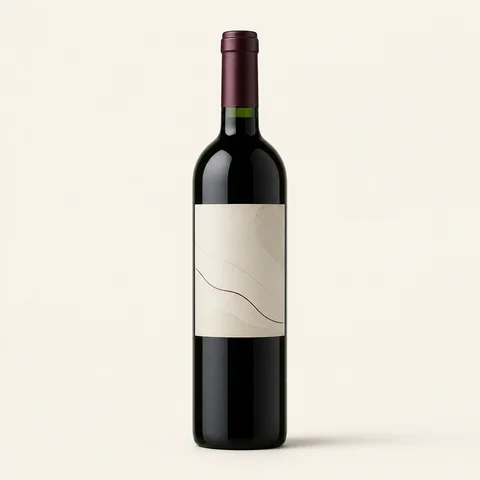 Oak Ridge Cabernet Oak Ridge Cabernet | WNE-1042 | 12 | 12 | Complete | |
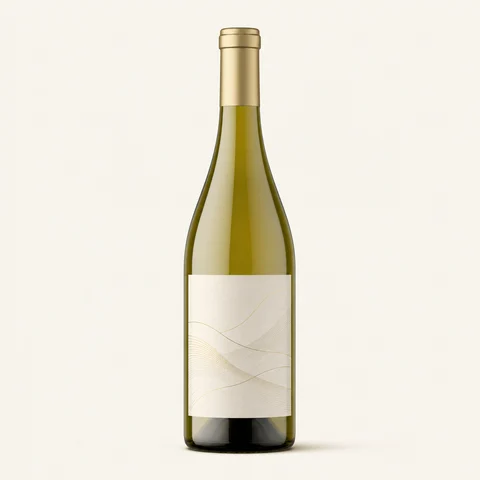 Coastal Pinot Grigio Coastal Pinot Grigio | WNE-1188 | 12 | 11 | 1 short | |
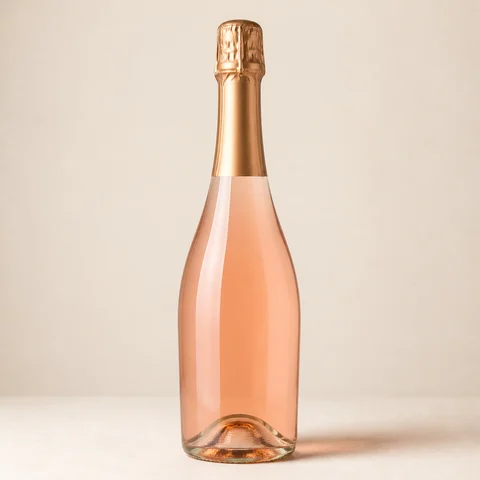 Brut Sparkling Wine Brut Sparkling Wine | WNE-1290 | 6 | 6 | Complete |
Illustrative data
Store overview
Review sales activity, category mix, and item movement.
Net sales
Daily totals for the selected period Net sales
Category mix
Share of net sales43%Wine
- Wine43%$20,765
- Spirits34%$16,419
- Beer18%$8,692
- Other5%$2,414
Top moving products
By units sold- 01
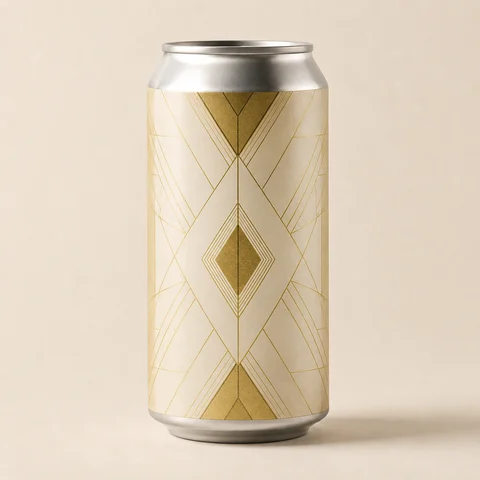 Crisp Lager 12-PackBeer184 units
 - 02Oak Ridge CabernetWine142 units
- 03
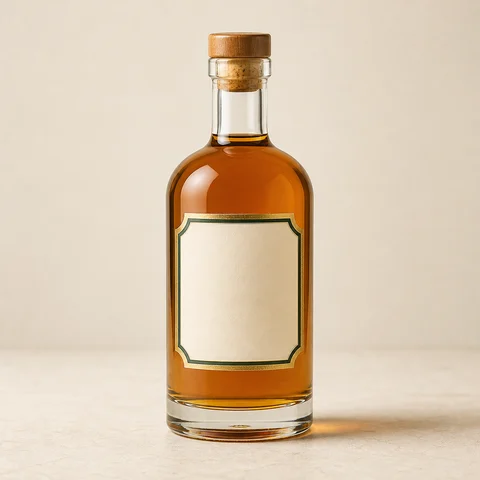 Highland ScotchSpirits96 units
Checkout activity
Completed sales by time5:00-7:00 PMHighest-volume window in this sample
Designed around the liquor-store day01Checkout02Inventory03Ordering04Receiving05Payments06Reporting
BACK OFFICE
The counter is only half the store.
Keep the work after the sale connected to the product that started it.
Know what is on the shelf
Keep product details, counts, and item movement in a clearer store view.
Turn counts into orders
Review low-stock items and organize supplier purchase activity in one workflow.
See the day as a whole
Bring category mix, activity, and open follow-ups into a focused owner view.
Store overviewIllustrative workspace
Store activitySample daily view
Products in motionIllustrative item view
Oak Ridge CabernetWineCrisp LagerBeerHighland ScotchSpirits POINT OF SALE
A checkout your team can read at a glance.
Product pictures, a legible cart, practical hardware, and the details that matter when the counter gets busy.
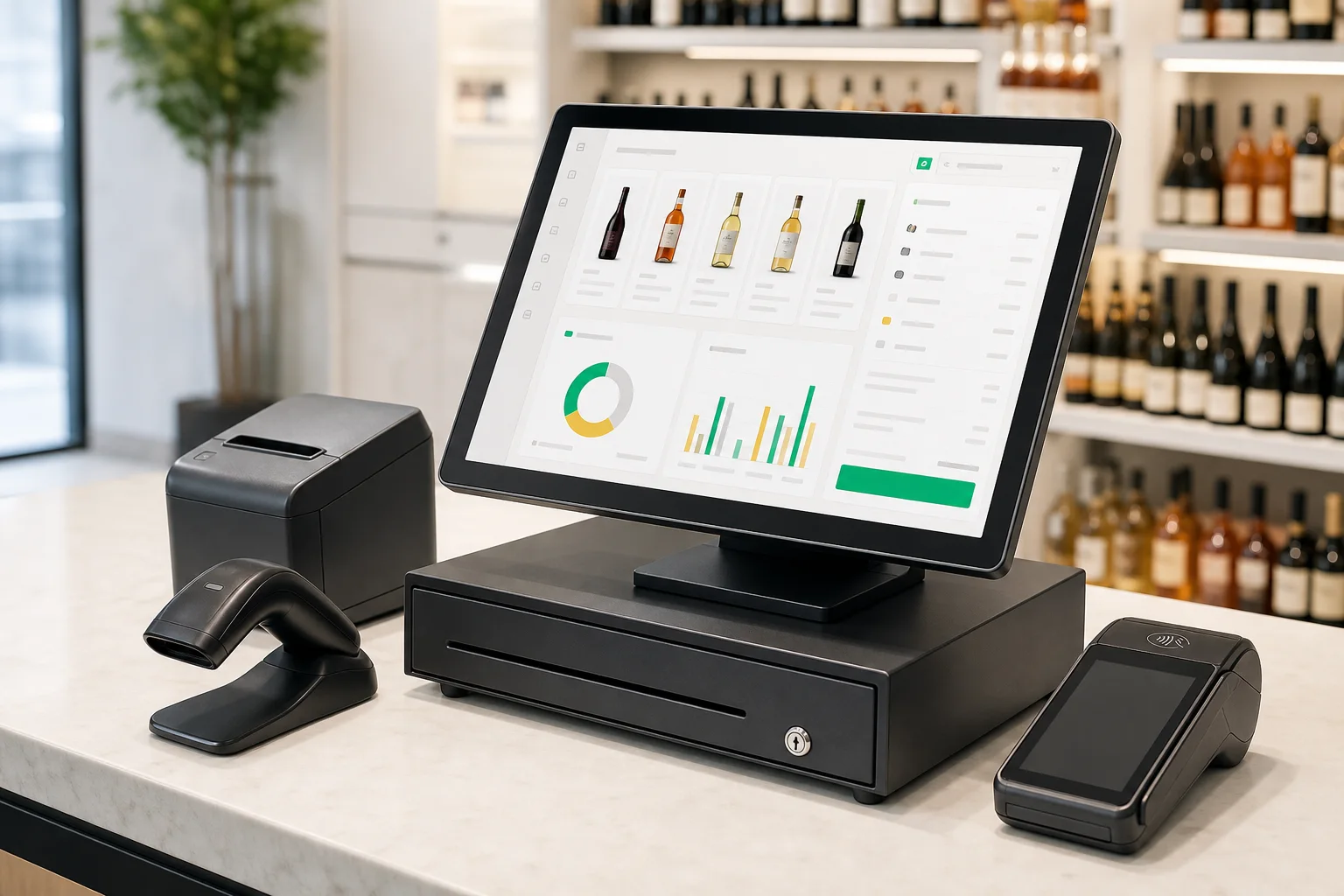 Concept hardware shown; final equipment varies.
Picture-first checkout
Find the right bottle by image, search, category, or barcode.
Age-check support
Ask about available prompts and verification integrations for the counter.
A connected payment step
Plan the terminal and checkout flow together before installation.
PRODUCT FILM
A bottle-store system, in motion.
Checkout, inventory, purchase orders, reporting, and counter hardware - told as one focused 18-second story.
00:18 · Silent
One store · two ways to run it
BeforeEvery task becomes a handoff
The sale lives in the terminal. Counts live on paper. Orders and reports get rebuilt somewhere else.
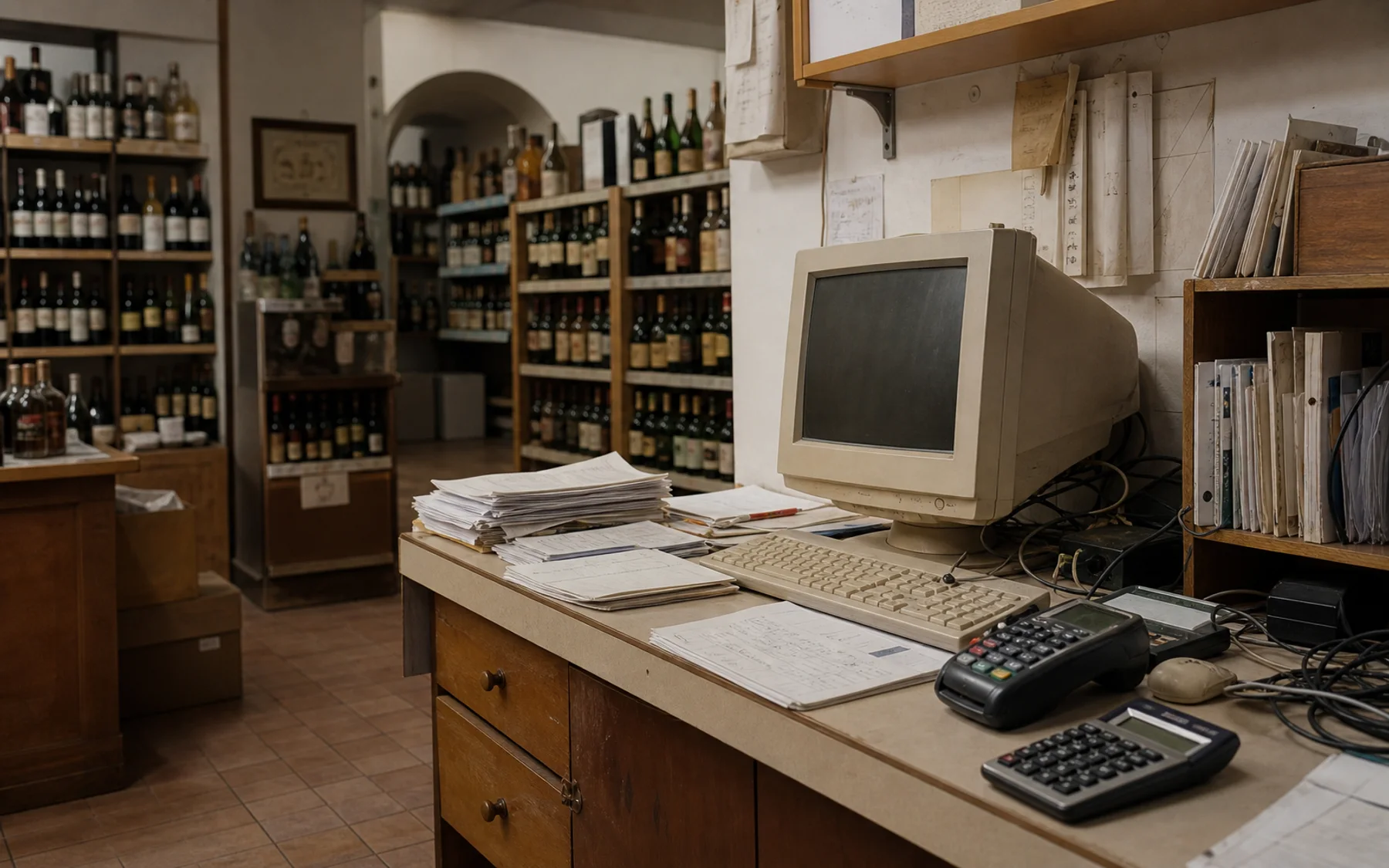
- 01Legacy POSSale captured at the counter
- 02Paper countShelf notes kept by hand
- 03Supplier orderAnother list to rebuild
- 04SpreadsheetReporting after the fact
With PayLessThe work stays connected
Checkout, inventory, purchase orders, and reporting share one clearer operating view for the bottle shop.
- 01A clearer checkout
Product search, cart, and payment live in one focused counter flow.
- 02Inventory in context
Keep catalog and shelf activity close to the work happening at checkout.
- 03Orders meet reporting
Review replenishment and store activity without rebuilding the story elsewhere.
PayLess store workspace
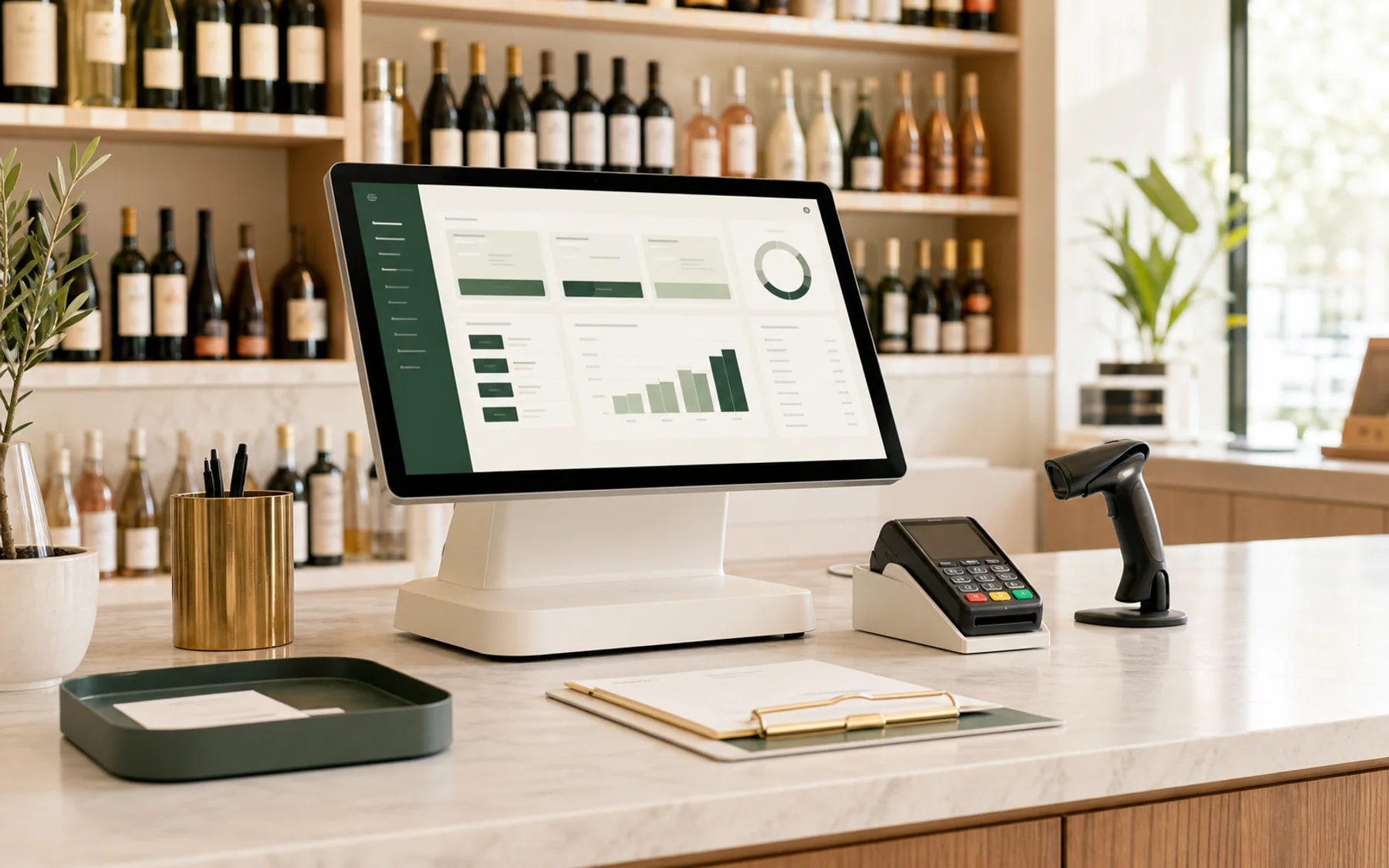
- 01Checkout
- 02Inventory
- 03Orders
- 04Reporting
Store moments
Designed around the work behind the counter.
Three familiar moments, shown as product scenarios, not customer testimonials or performance claims.
Friday rush, scenario 1 of 3
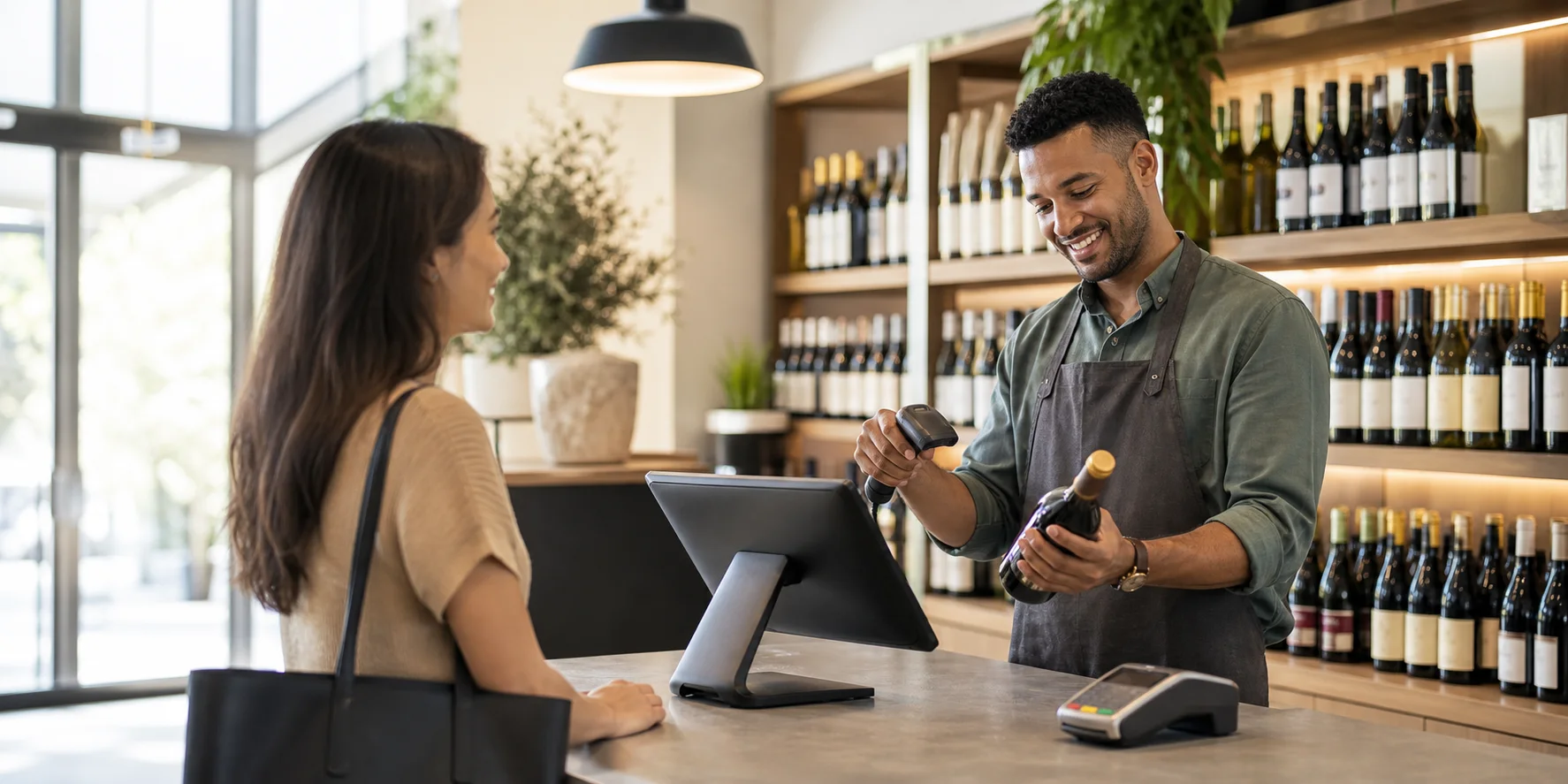
Keep the line moving without losing the details.
A picture-first selling screen helps the cashier find the right bottle, keep the cart legible, and move naturally into payment, even when the counter gets busy.
- Scan or search a deep liquor catalog
- Review quantities, discounts, and tax in one cart
- Move into the payment step with clear context
Concept workflow shown. Features vary by selected platform and configuration.
 Review the setup before changing it
 START WITH WHAT YOU HAVE
Understand the whole counter before you replace one piece.
Compare the current POS, payment arrangement, equipment, support, and contract terms before deciding what should change.
- Pricing structure and card mix
- Hardware, software, and integrations
- Contract terms and transition plan
QUESTIONS
What liquor-store owners ask first.
Need a store-specific answer? Tell us about the current setup and what you want to improve.
Ask a specialistIs PayLess focused on liquor stores?
Yes. This experience is centered on the work of independent liquor retail: busy checkout, a deep wine, beer, and spirits catalog, inventory, ordering, receiving, reporting, payment hardware, and available age-check tools.
Can PayLess replace both my POS and payment processing?
Potentially. A specialist first reviews your current POS, devices, processing arrangement, integrations, and contract terms. Product availability and payment approval depend on the selected providers and underwriting.
Does the POS guarantee age compliance?
No. Technology can support staff procedures with prompts or available integrations, but the merchant remains responsible for applicable laws, training, and store practices.
How is pricing determined?
Pricing can vary by store size, locations, processing volume, card mix, hardware, software, integrations, provider terms, and underwriting. A tailored review is the clearest next step.
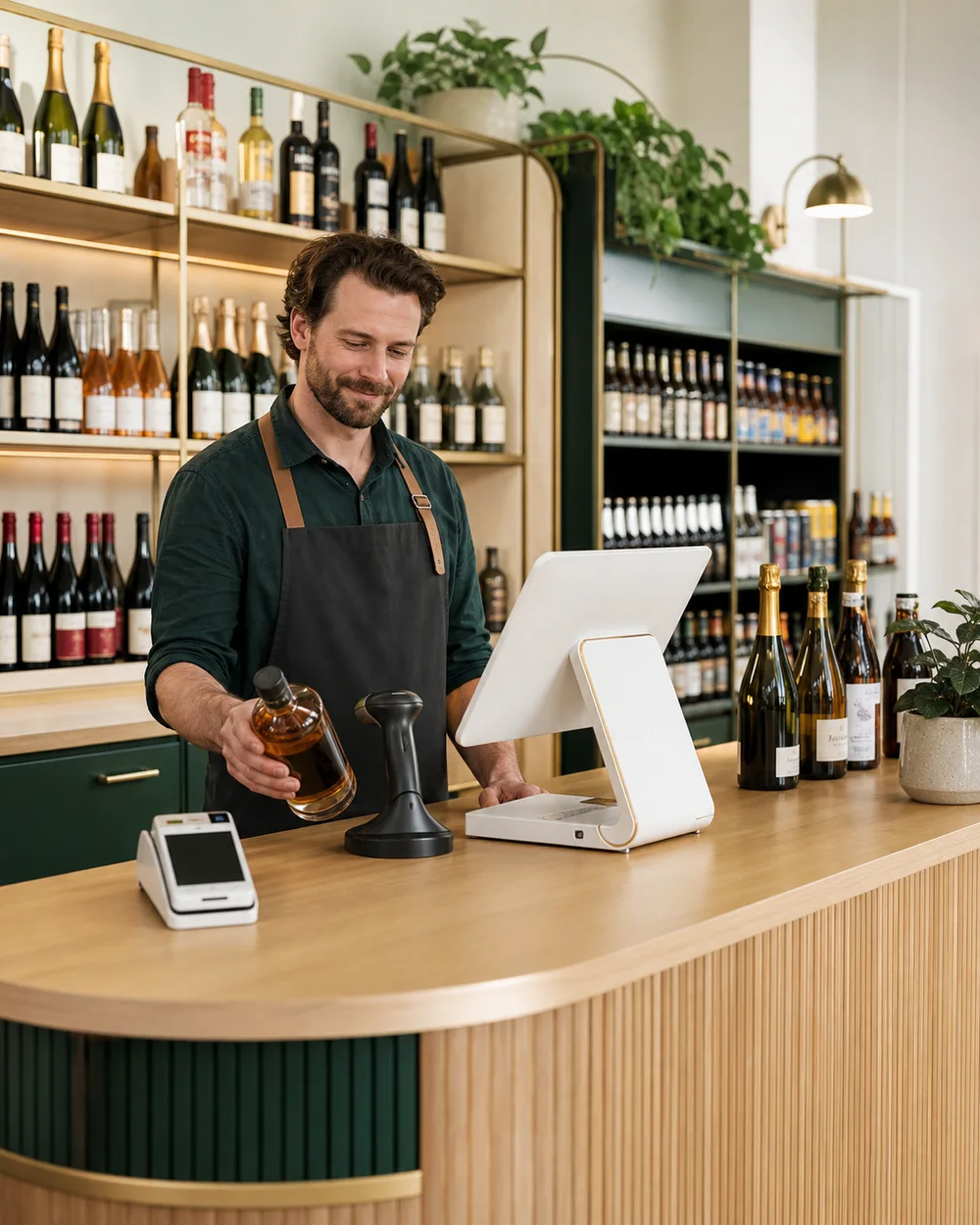 Built around the bottle-store workflow
 YOUR STORE, CLEARER
See the full liquor-store workflow in one tailored demo.
Bring the counter, catalog, inventory, purchasing, reporting, hardware, and payments into the same conversation.